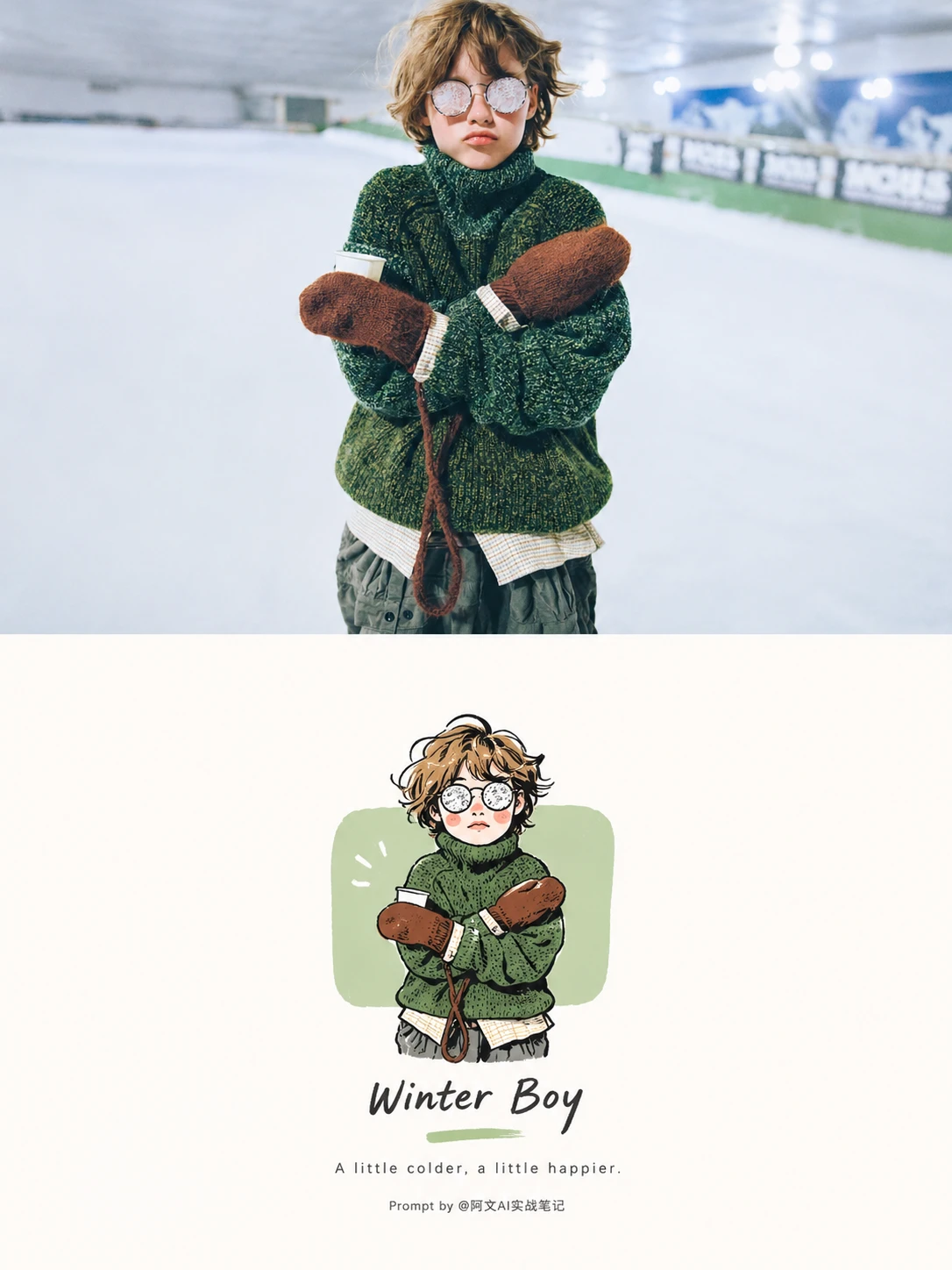
Japanese Minimal Line-Drawing Poster
A minimal Japanese-style split poster that keeps the original photo on top and turns the subject into a freehand line-drawing illustration below.
Open the image creatorjevailab · AI poster maker 2026
jevailab is a free AI poster maker that turns a photo or text prompt into a poster in 3:4, 9:16, 1:1, 4:3 and 16:9 — no login required to start. Browse published styles without signing in, then sign in when you are ready to submit a generation. The workspace shows the server-calculated credit quote before generation.
Use jevailab to start with a published visual direction, describe the subject and mood, choose an output ratio, and download a private AI poster. The Starter Pack is $9.90 one time; Pro Monthly is $19.90 per month; Pro Annual is $149 per year.
A minimal Japanese-style split poster that keeps the original photo on top and turns the subject into a freehand line-drawing illustration below.
Open the image creator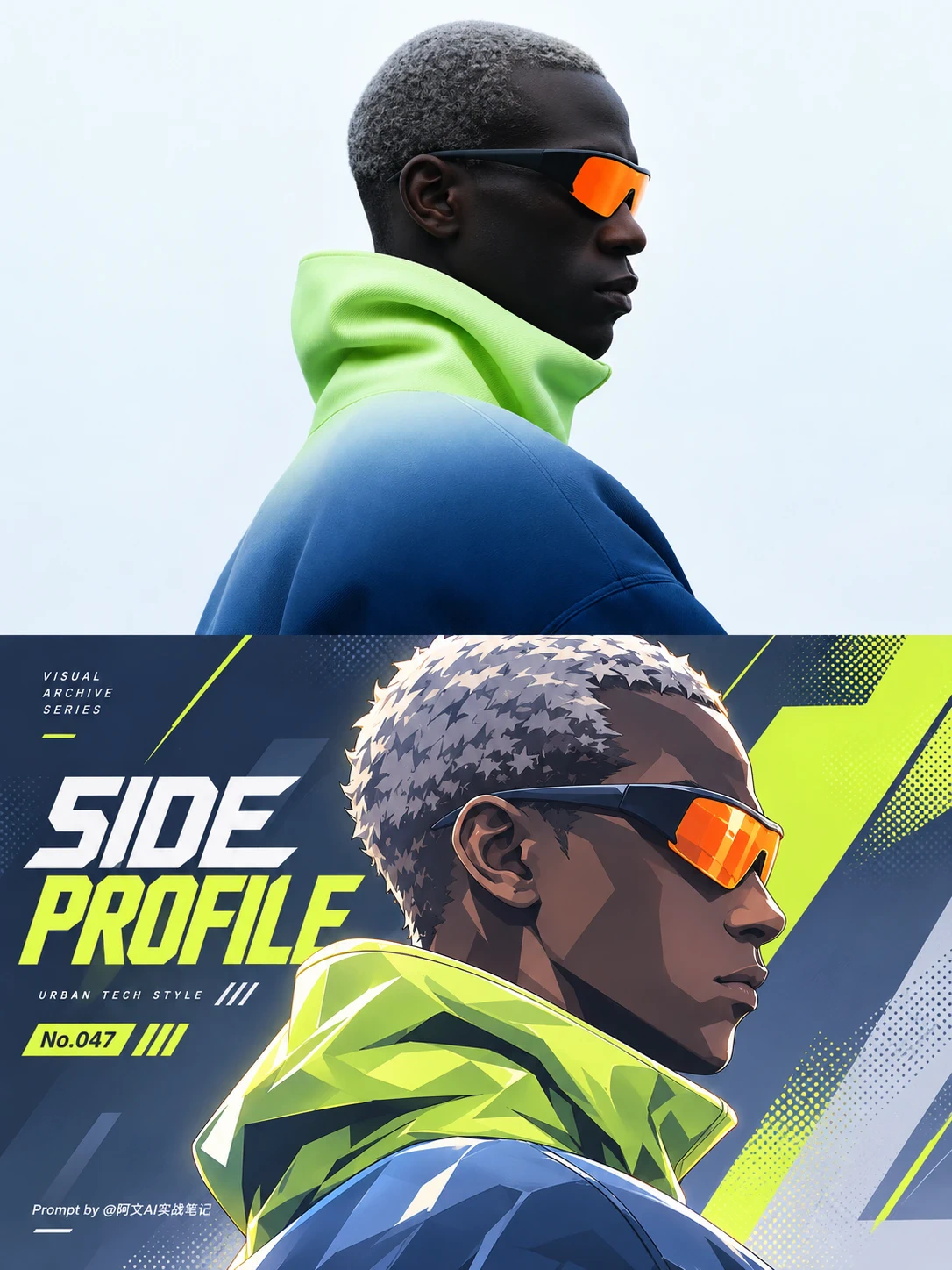
A neon split poster pairing a realistic side profile with a graphic game-art interpretation.
Open the image creator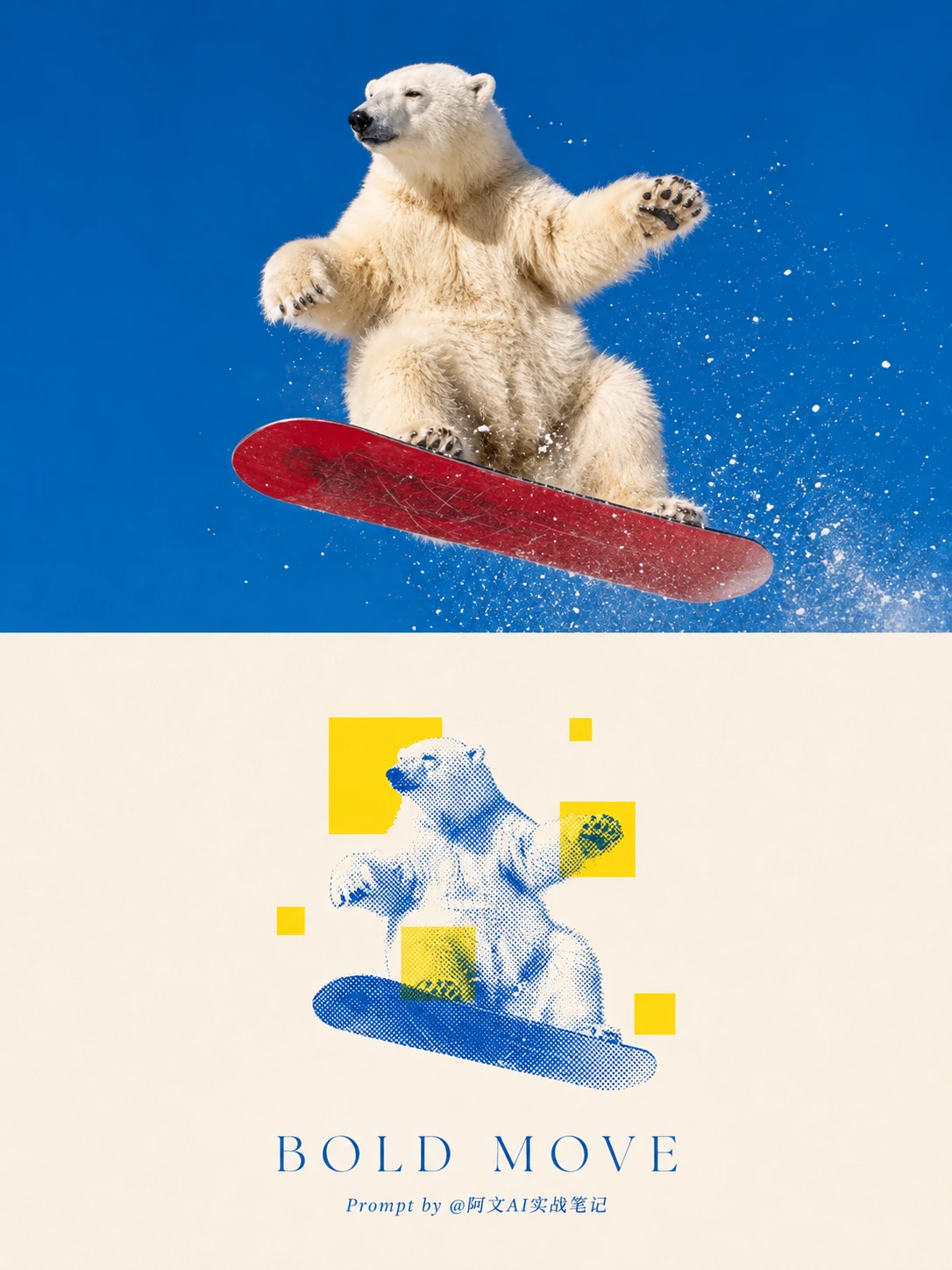
A minimal diptych with a photographic top half and a blue halftone subject with bright-yellow geometric blocks below.
Open the image creator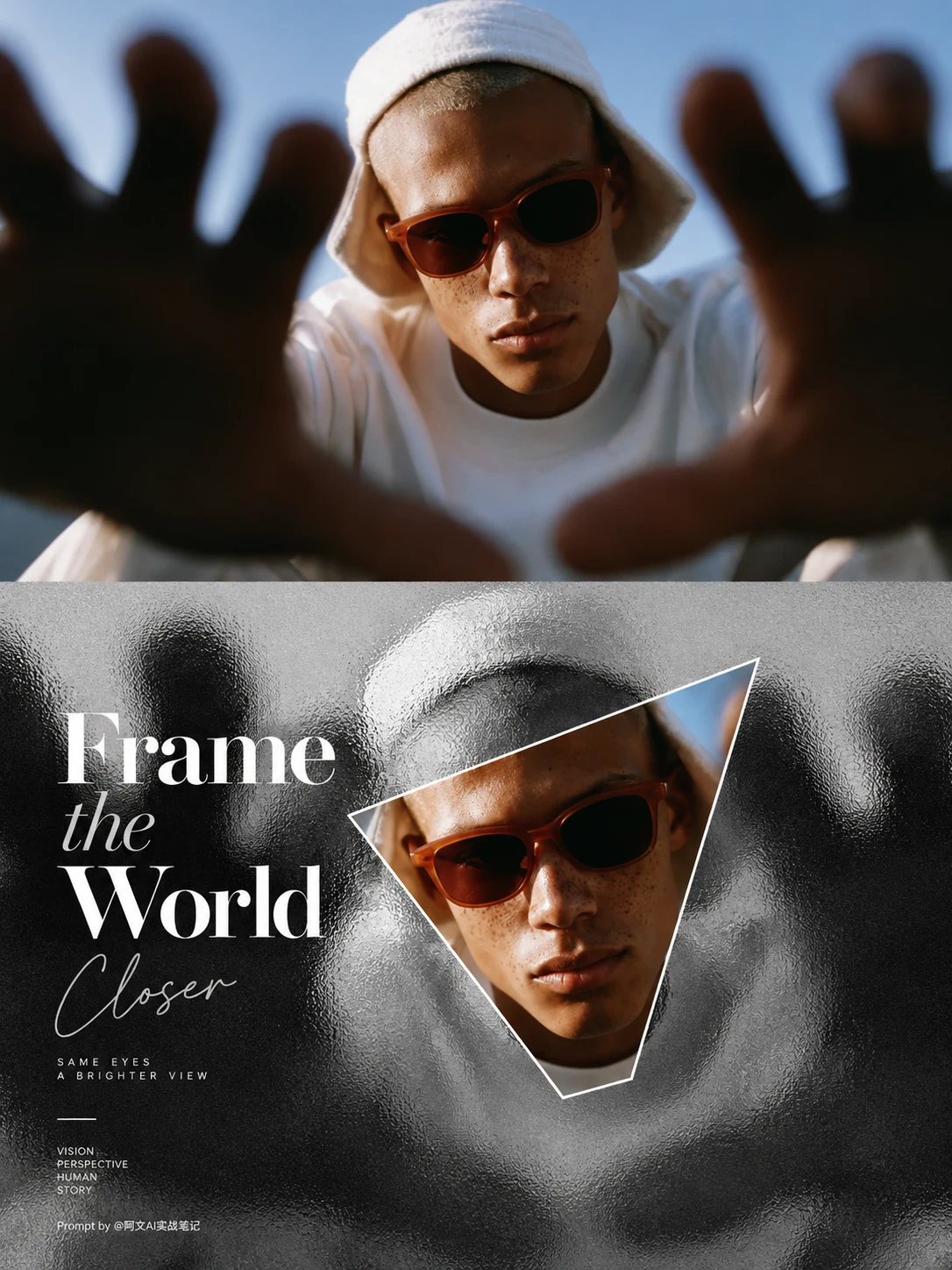
An experimental photography poster with frosted glass texture and a color-reveal window.
Open the image creator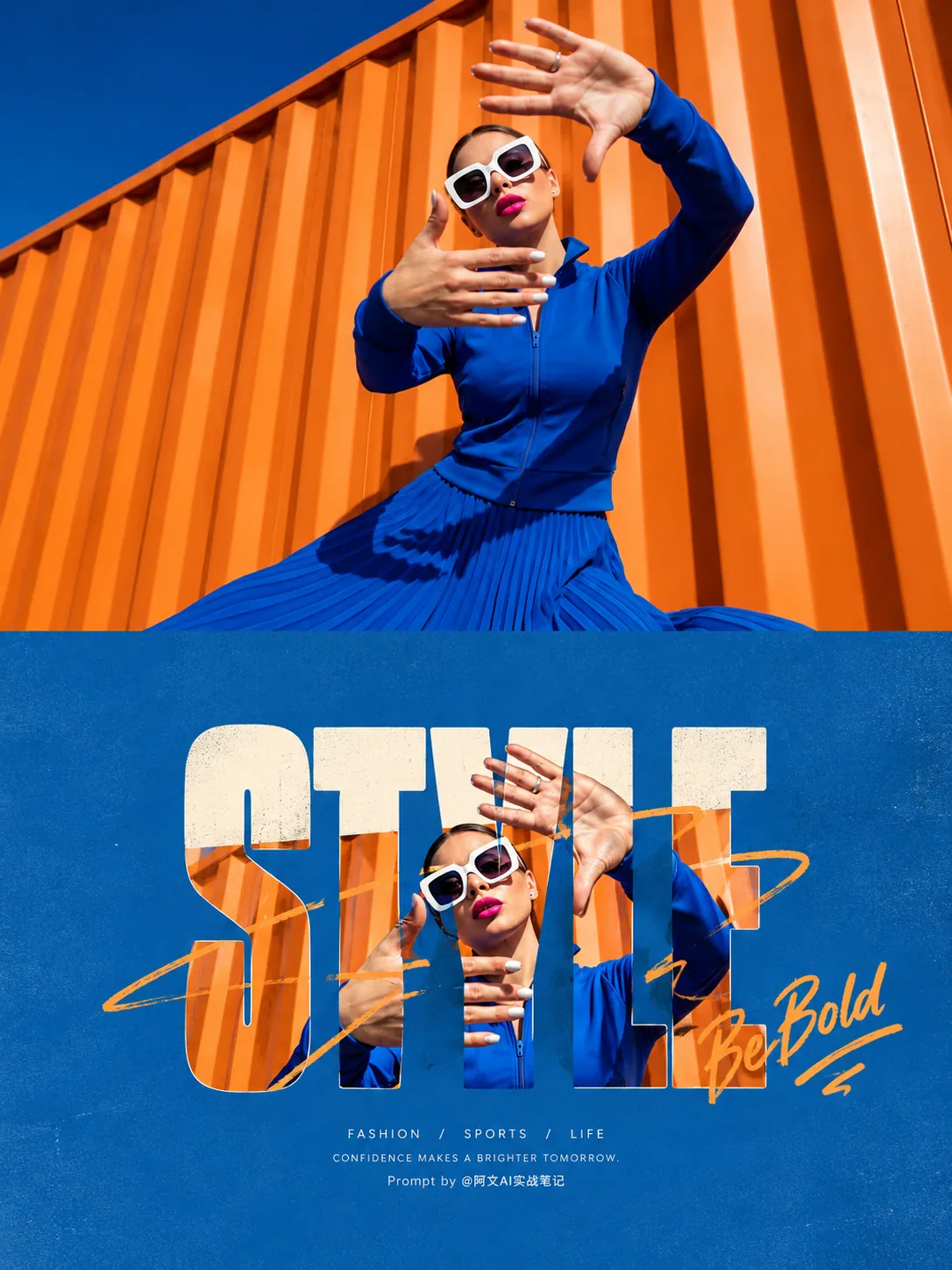
A retro cinematic typography poster with photo-filled letters, subject breakout, and generous color-matched whitespace.
Open the image creator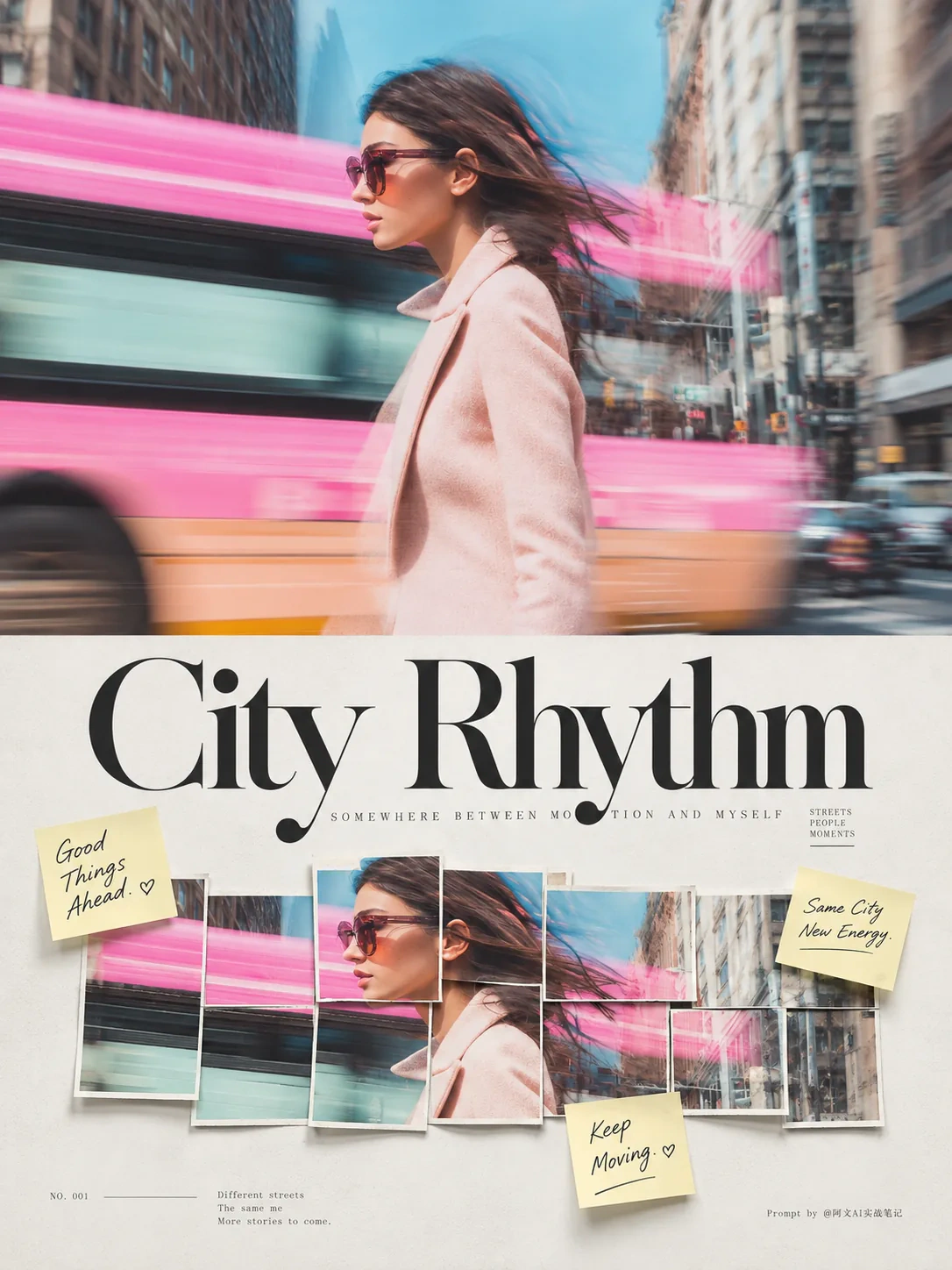
A refined 3:4 photo collage poster with horizontal photo strips, handwritten notes, Didone typography, and tactile paper texture.
Open the image creator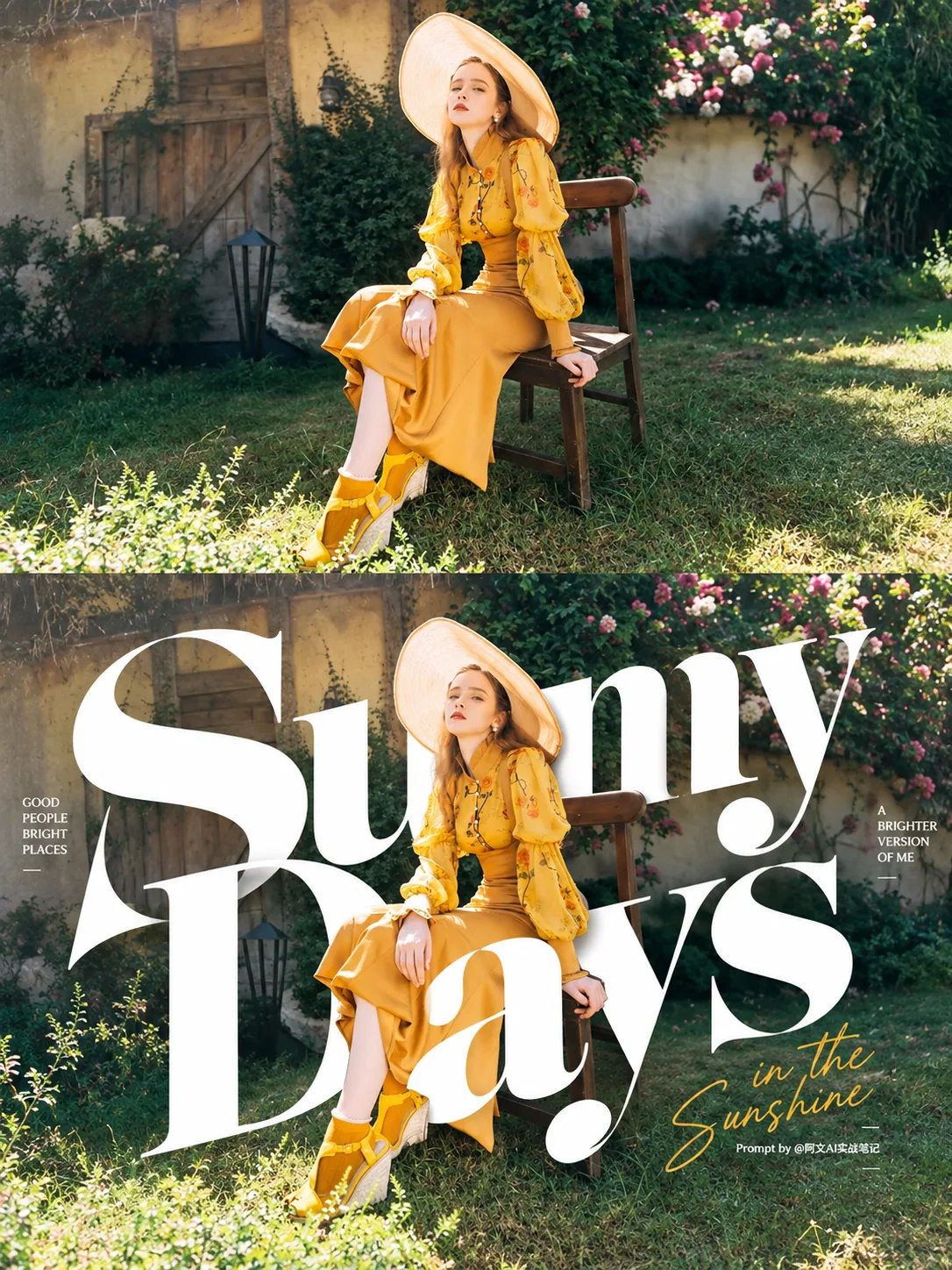
A subject-centered experimental typography poster with oversized lettering and generous whitespace.
Open the image creatorSelect a published template that matches the mood, use case, or reference treatment you want. You can browse templates before logging in and change the choice while preparing your idea.
Write the subject, setting, lighting, color, composition, and mood in plain language. A concise prompt is enough; the selected template supplies the starting visual direction and your description adds the story.
Choose the output ratio, review the server-side credit quote, confirm your rights to submitted content, and sign in to generate. Approved private results can be viewed and downloaded from the workspace.
The image ratio controls the composition sent to the generation service. Pick the closest format to the place where you will use the finished image, then describe any important cropping or subject-position needs in your prompt.
| Format | Ratio | Best for |
|---|---|---|
| 3:4 | Portrait | Posters, editorial portraits, feeds |
| 9:16 | Tall portrait | Stories, mobile screens, vertical announcements |
| 1:1 | Square | Avatars, product tiles, social grids |
| 4:3 | Classic landscape | Slides, web cards, landscape scenes |
| 16:9 | Wide landscape | Banners, thumbnails, presentation covers |
| A4 / 1080×1350 | Prepare in editor | Export or crop after generation for print and platform-specific layouts |
Start from a portrait or pet photo and ask for a warm palette, a clear title area, and a keepsake-like paper finish.
Use a motion-led style, describe the performer and atmosphere, and leave room for the event name and date in the final design.
Mention the destination, season, landmark, and desired print mood so the template can turn a trip photograph into a travel poster.
Describe the product, flavor, color, and audience. A close-up reference plus a concise headline works well for cafés and launches.
Choose a ratio for the platform first, then specify the subject, callout, and visual hierarchy instead of asking for a generic attractive image.
jevailab shows the applicable server-side credit quote before a generation is submitted. Plans are designed for still image creation and editing, and the current product does not include an active AI video creator.
Different tools support different workflows. The comparison below lists verifiable workflow details for a reference photo or a one-line prompt.
| Tool | Strength | Workflow details |
|---|---|---|
| jevailab | Reference-led templates, ratio choice, private generation, visible credit quote | 5 output ratios · browse published styles without login · credit quote before generation · Starter Pack $9.90 for 66 credits |
| Canva | Broad manual design editor and large asset library | AI poster generation, editable design tools, and poster printing |
| Adobe Express | Strong brand and layout tools across Adobe workflows | AI poster generation, editable templates, brand assets, and export workflows |
| PosterMyWall | Large catalogue of ready-made marketing designs | Text or audio prompts, reference images, and editable poster templates |
jevailab lets visitors browse the image workspace and published template examples before signing in. Generation uses account credits, and the server displays the required credit quote before submission.
No separate design tool is required for the basic workflow. Choose a published direction, describe your idea, select a ratio, review the quote, and generate a still image in the workspace.
Yes. Select a reference-led template and describe how the subject, mood, colors, and layout should be treated. The current image workspace supports one optional reference image.
Choose the ratio that matches the destination: 3:4 for portrait posters, 9:16 for stories, 1:1 for square tiles, 4:3 for classic landscape, or 16:9 for wide banners.
You can explore templates and prepare the creative direction without an account. You need to sign in before submitting a generation so credits, private results, and creation history can be attached to your account.
The credit cost depends on the selected service settings and is quoted by the server before submission. Current plans include a $9.90 Starter Pack, $19.90 monthly plan, and $149 annual plan.
Commercial usage depends on the plan and the rights to the text and reference material you submit. Review the plan terms and upload only content you own or are authorized to use.
A poster usually prioritizes a strong visual and short message at a distance, while a flyer often carries more practical details. Pick a ratio and prompt that match how people will view the result.
Yes. You can switch the site to Chinese and write your creative direction in Chinese. Generated text inside an image can vary, so keep important final wording short and review the result.
The workspace is designed to be usable on mobile and desktop browsers. A tall ratio such as 9:16 is useful for mobile-first stories, while 1:1 works well for square social previews.
Browse the published styles, describe the image you want, and use the server quote to decide when you are ready to generate.