Personal visuals
Explore distinctive portraits and everyday scenes.
Choisissez un modèle publié, décrivez votre idée et créez une image IA.
AI image creator
Choose an image template and aspect ratio for what you want to make.
Create an imagejevailab
jevailab is an everyday AI image workspace. Choose a template, add a text description, and confirm the aspect ratio and credit cost before you generate.
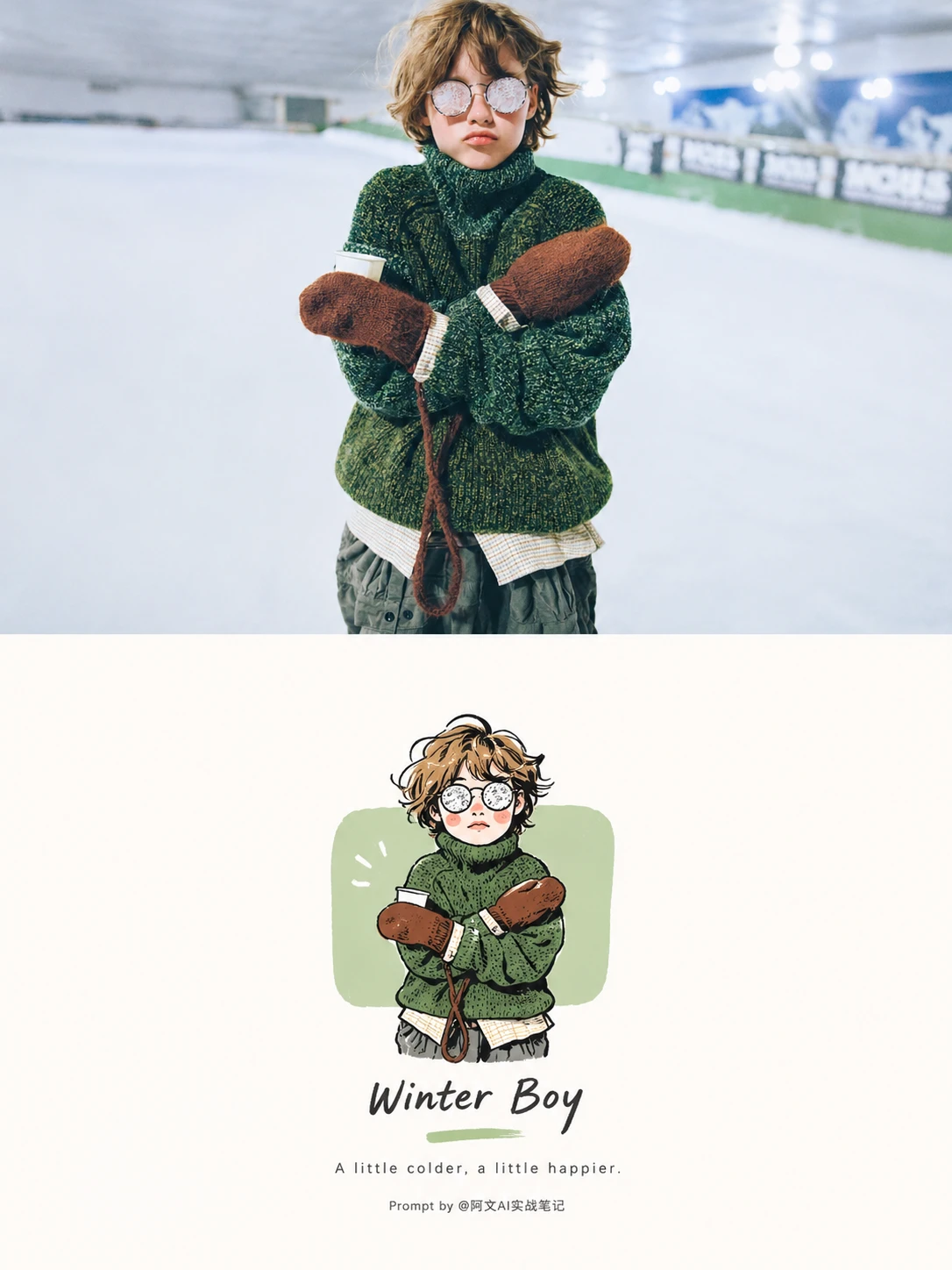
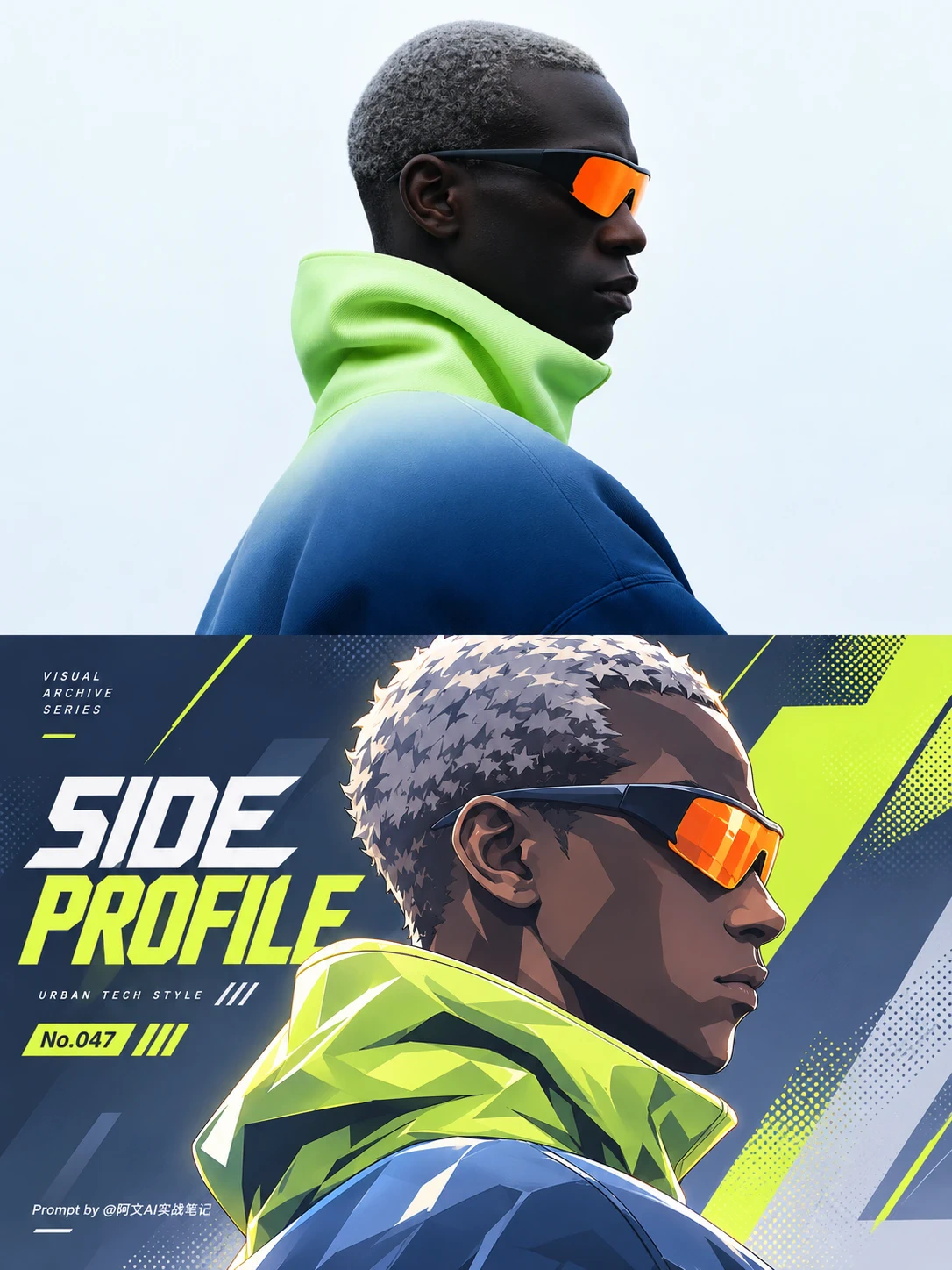
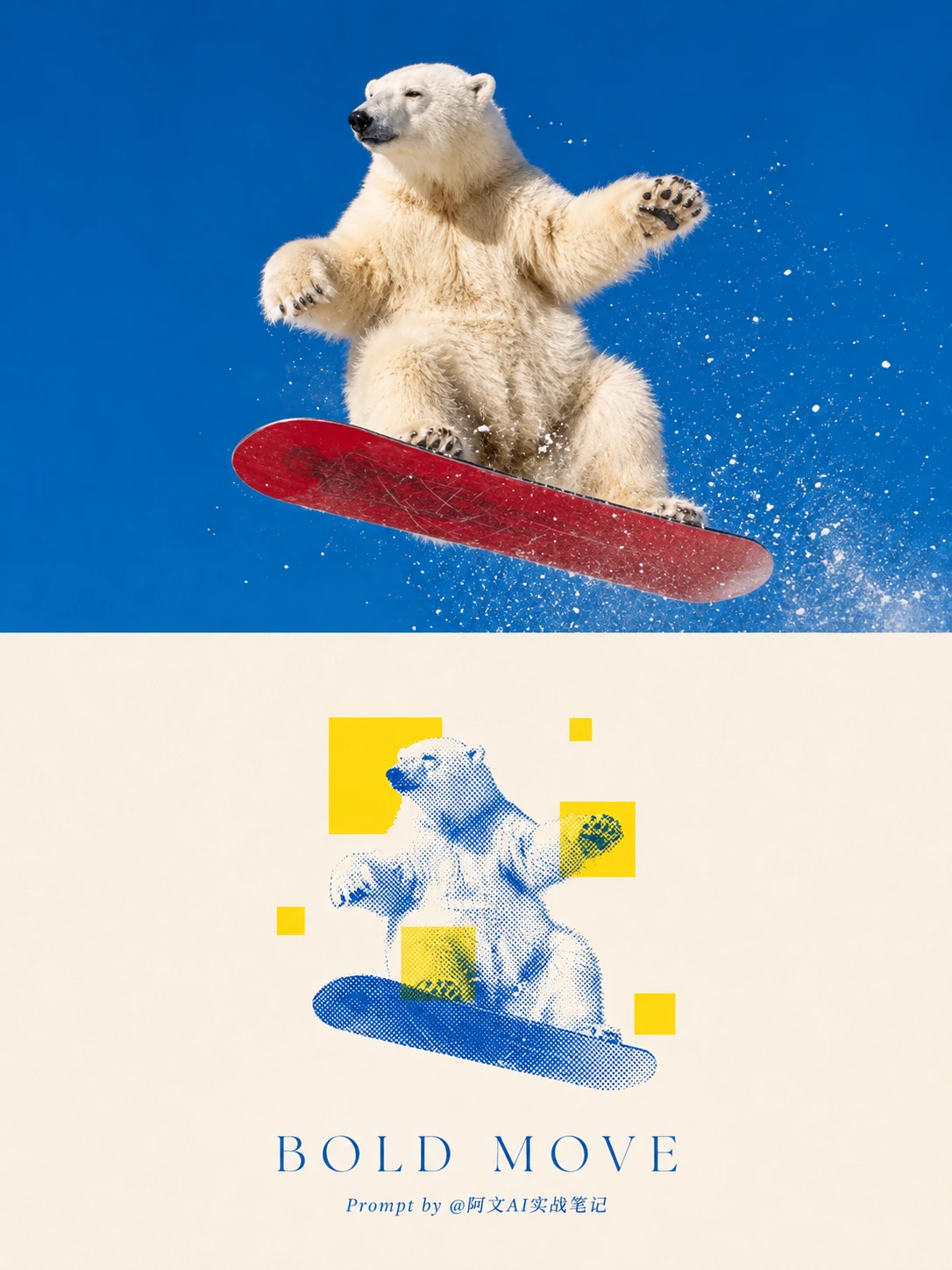
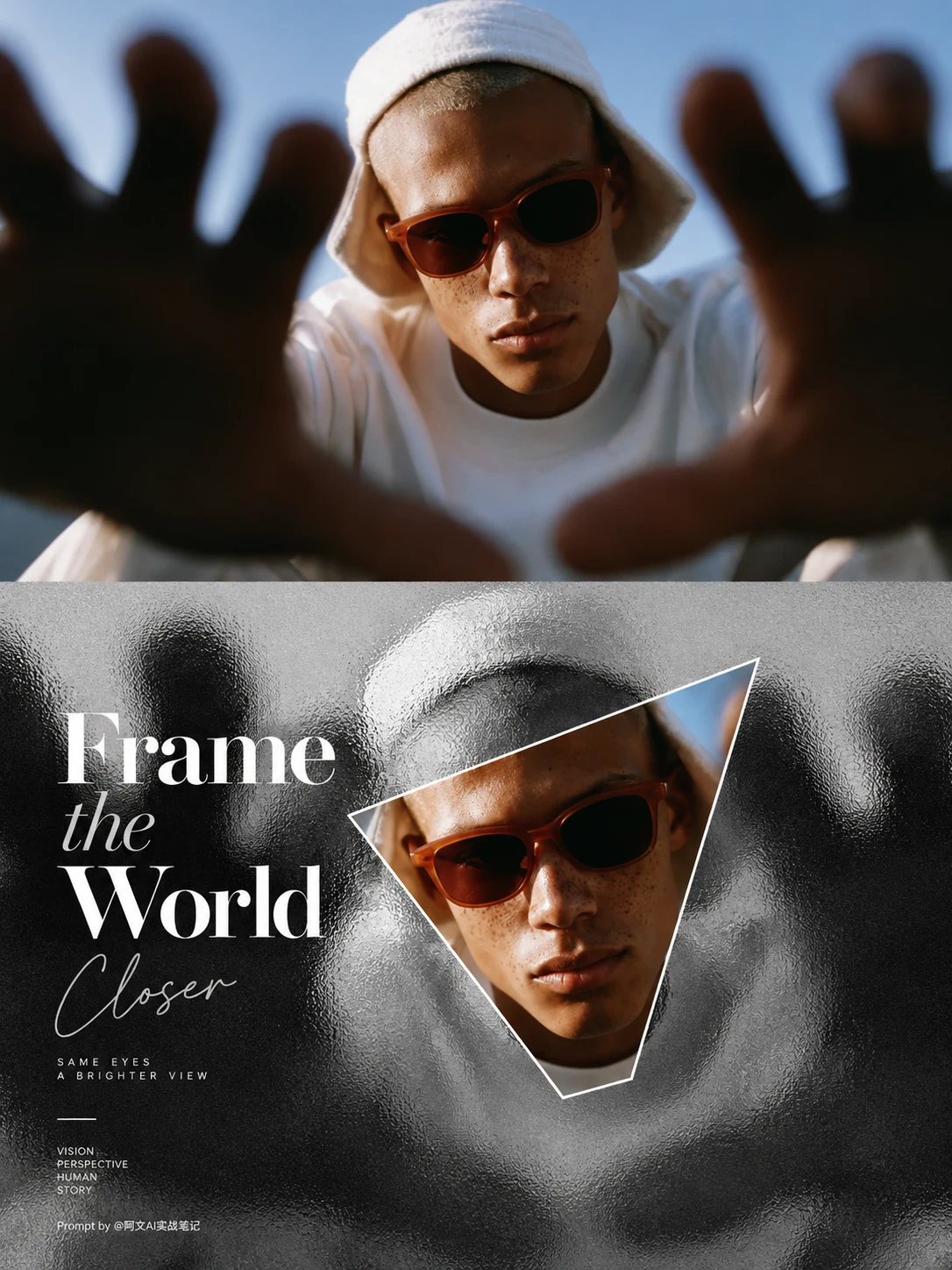
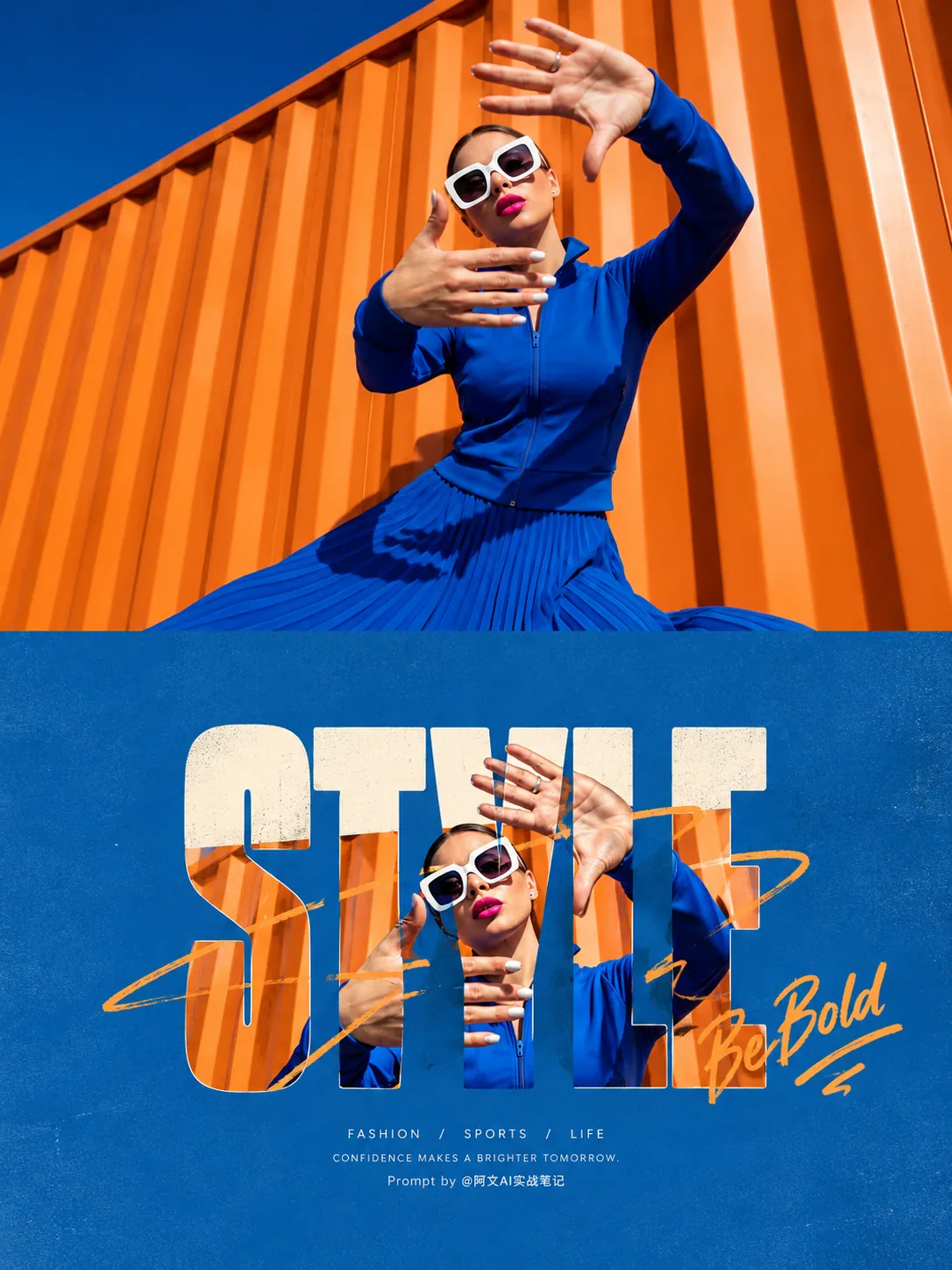
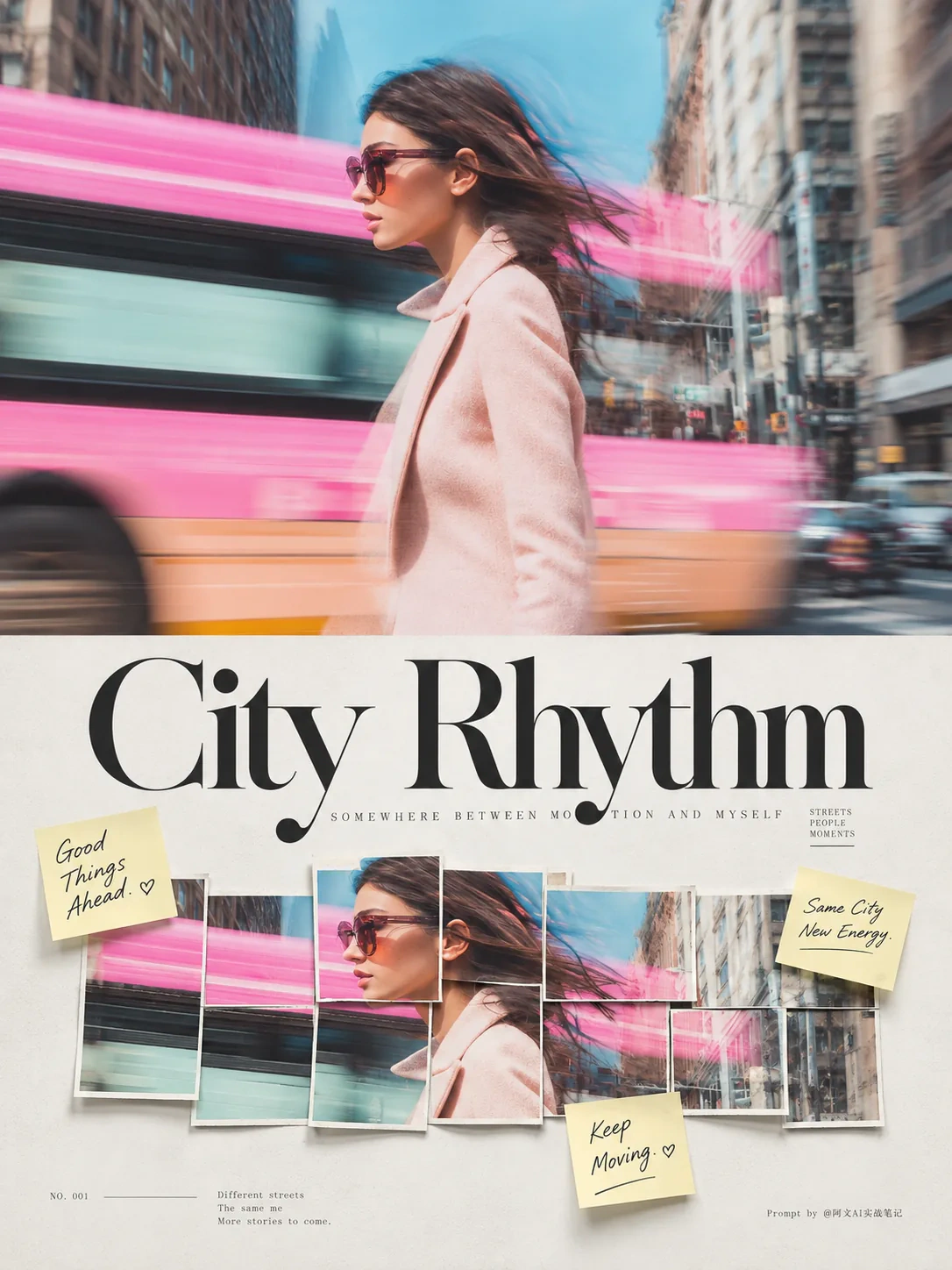
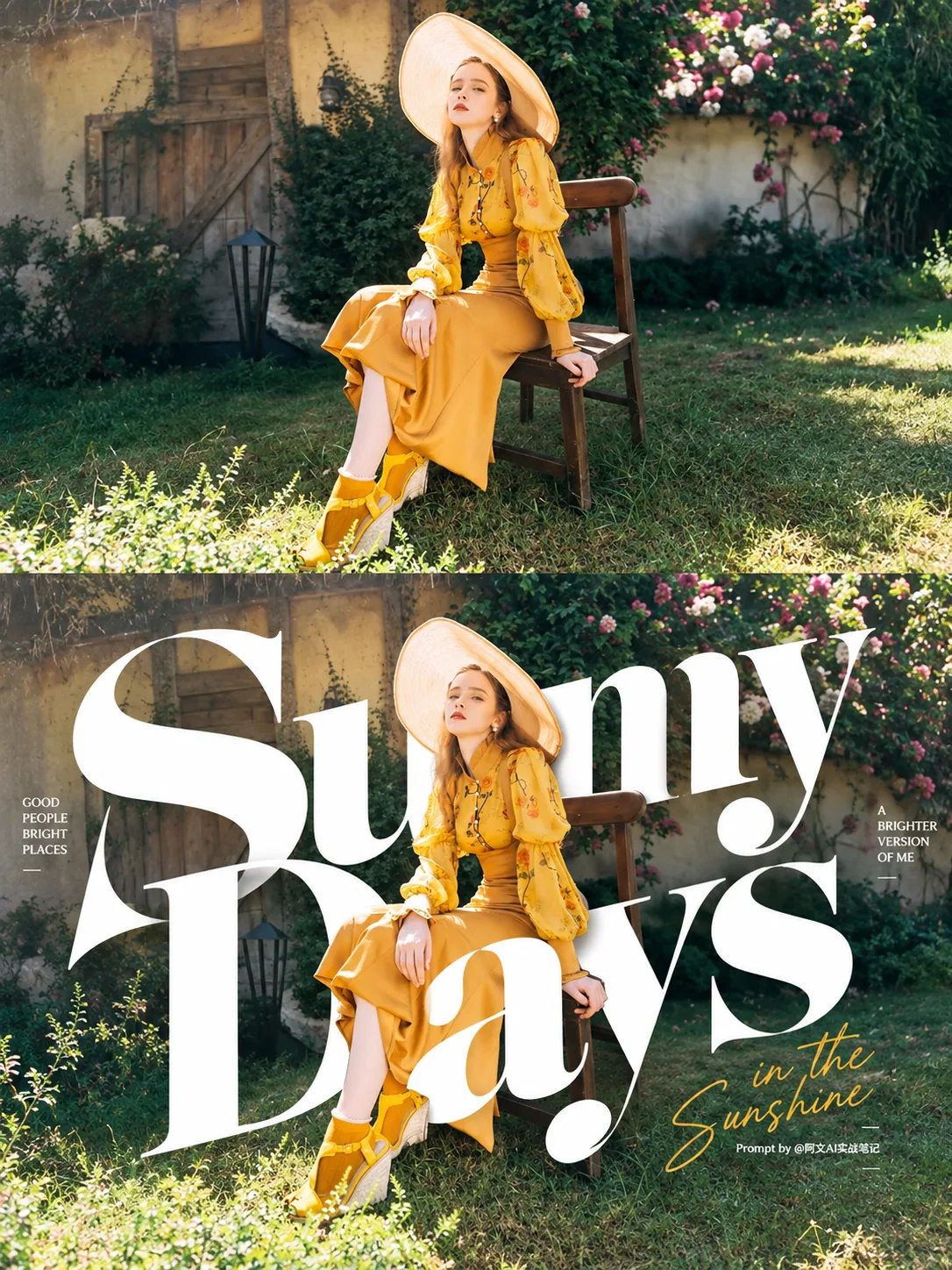
Template example
These are template examples from jevailab, not public user creations.
jevailab
Choose an image template and aspect ratio for what you want to make.
01 · 02 · 03
Select a visual direction from the published templates.
Write down the subject, setting, style, and mood you want to see.
Choose a ratio, review the credit quote, then generate and download your image.
Explore distinctive portraits and everyday scenes.
Create visuals for posts, covers, and announcements.
Explore product, poster, and campaign directions quickly.
Turn stories, pets, and trips into images with text prompts.
Specific details about the subject, setting, light, and style usually lead to more predictable results.
AI image creator
Choose an image template and aspect ratio for what you want to make.
The workspace shows the credits required before each generation. The server quote at submission is the source of truth.
You can choose a published template, describe your idea, and create and download a still AI image.
The current image workspace does not require an upload. Choose a template and add a text description.
Yes. Choose Free creation and describe the image you want to generate.
They are jevailab template examples, not public user creations.
Yes. The workspace offers several output ratios and shows your active choice before generation.
The current interface uses the selected template settings. The server quote shown before submission is the source of truth for credits charged.
The workspace shows a server-calculated quote before submission. Please use that quote as the source of truth.
The current version supports published templates only; template creation and management are not yet available.
Yes. Text descriptions and generated results may be reviewed through automated or human-assisted systems. Content that does not meet safety requirements may not be generated or shown.
Try more specific notes about light, composition, color, and subject, or choose another template direction.
Choose a template, describe your idea, and start creating now.
Start creating